Teams using Morta achieve:













.svg.0j8jr.7ngla7..png&w=3840&q=75&dpl=dpl_6jpD4yyXD7Zeo4RMzxh6SCEo5iiY)


Everything you need to manage programme delivery.
From milestone tracking to progress reporting, Morta connects your planning data to your governance framework.
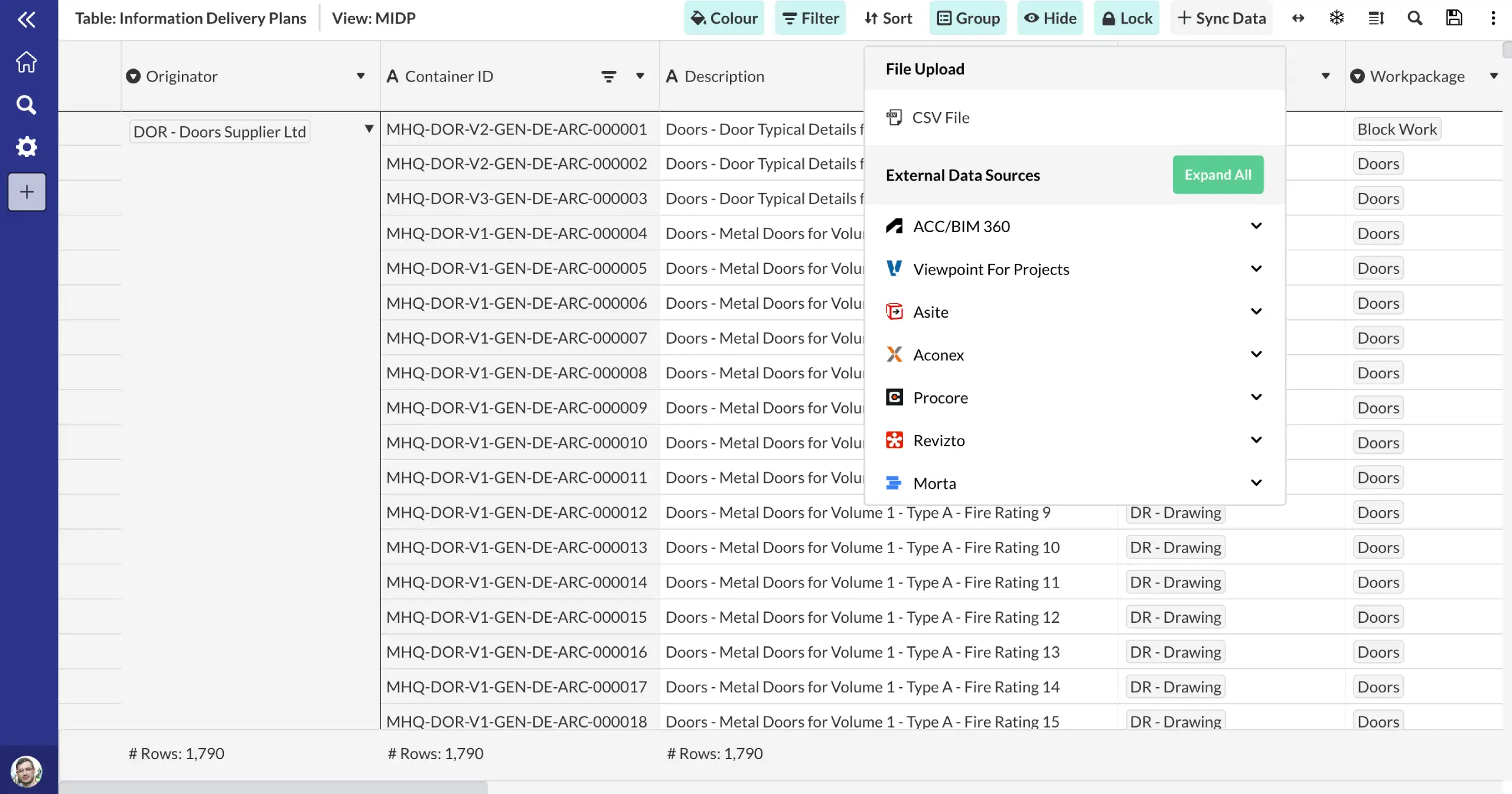
Connect to your existing systems.
Connect to your scheduling tools and track planned vs actual progress across all work packages. Monitor critical path activities, float consumption and programme risk in real time.
Planned vs actual tracking
Connected to Primavera P6 and MS Project
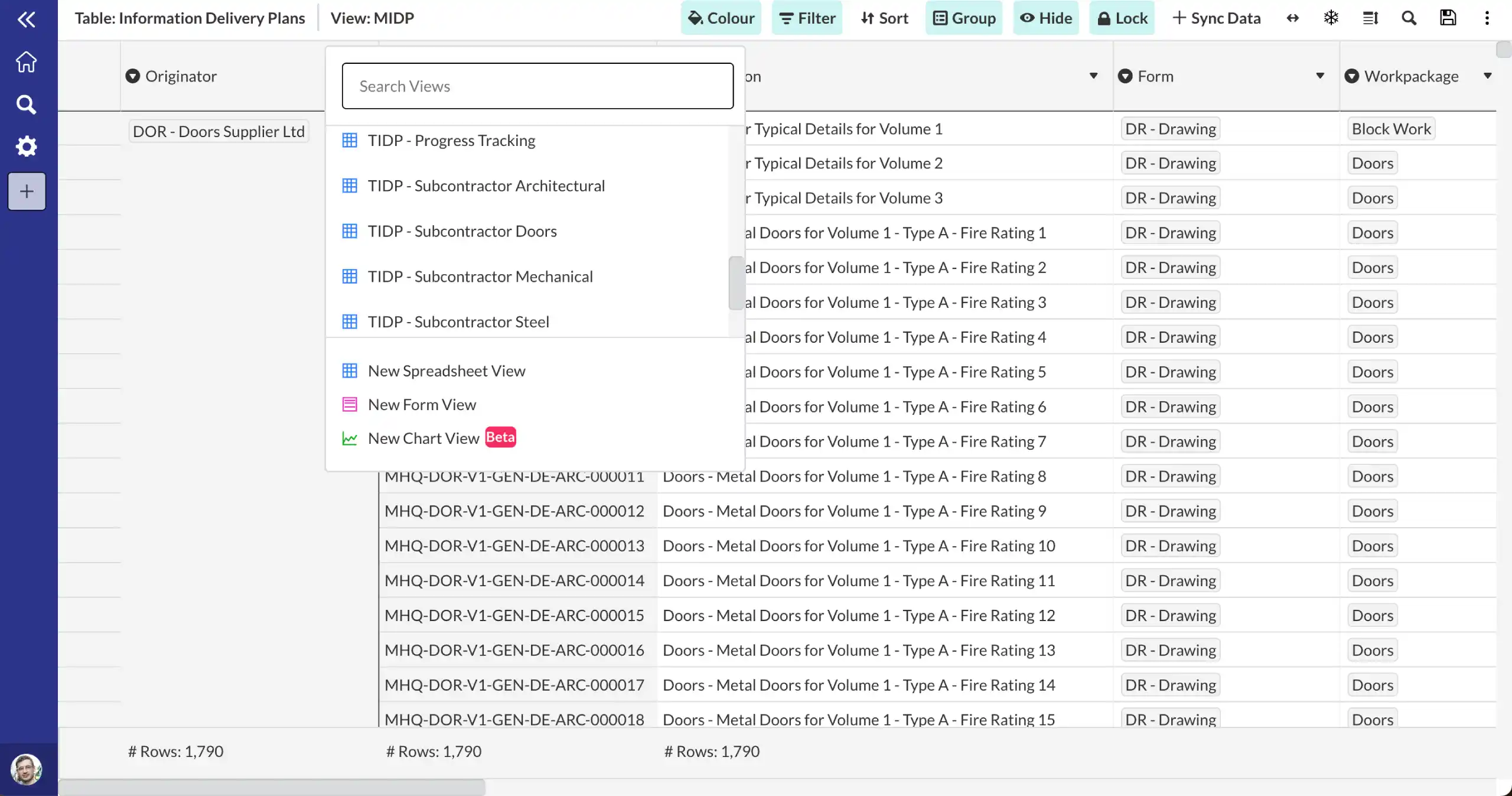
Collaborate across teams.
Create programme dashboards that surface key milestones, KPIs and progress metrics to leadership. Filter by phase, package or discipline for targeted governance views.
Configurable KPI dashboards
Automated highlights reporting
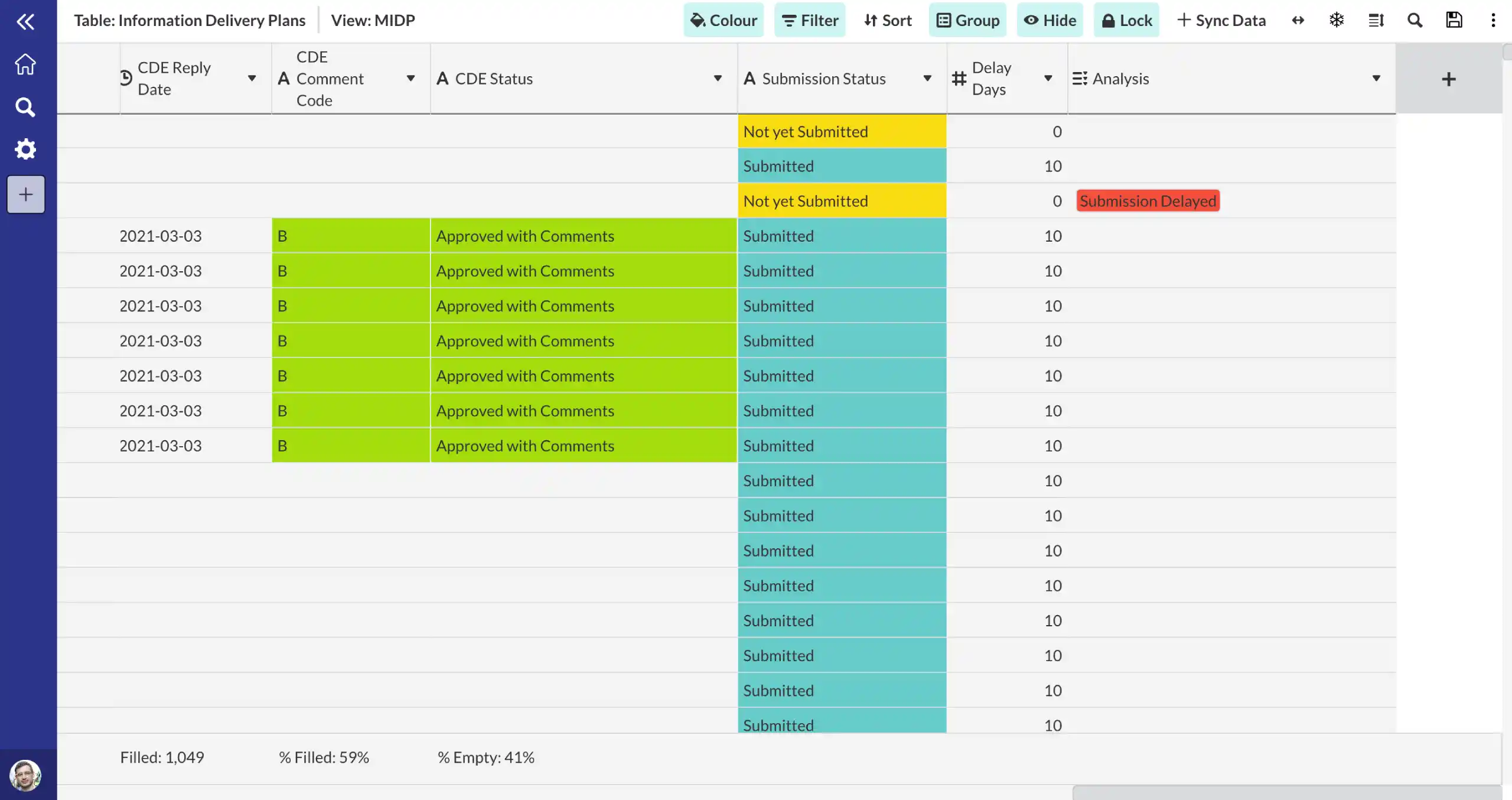
Configure to meet your workflows.
Track early warnings, exceptions and programme risks in a single register. Link warnings to programme impact assessments and ensure timely escalation to governance boards.
NEC4 early warning compliance
Linked to risk register
Frequently asked questions.
Common questions about this template and how it works.
How does Morta support programme monitoring?
Morta connects to your scheduling tools and tracks planned vs actual progress across all work packages. You can monitor critical path activities, float consumption and programme risk in real time through configurable dashboards and automated reporting.
Which scheduling tools does Morta integrate with?
Morta integrates with Primavera P6, Microsoft Project, Asta Powerproject and other scheduling tools. Programme data is synced into Morta so you can create governance dashboards and reports without manual data entry.
How are milestones tracked?
Milestones are tracked in a centralised register with planned and actual dates, status, owners and linked deliverables. You can create filtered views by phase, package or discipline and surface milestone status to governance dashboards.
How does Morta handle early warnings?
Early warnings are tracked in a dedicated register aligned with NEC4 Cl.16 requirements. Each warning can be linked to programme activities, risk assessments and cost impacts. Automated notifications ensure timely escalation to governance boards.
Can Morta produce governance reports from programme data?
Yes, Morta generates automated highlights reports, progress dashboards and KPI summaries from your connected programme data. Reports can be configured for different audiences from project teams to senior leadership and governance boards.
Can Morta import from Excel?
Yes. You can import data directly from Excel spreadsheets into Morta. This makes it easy to migrate existing trackers, registers, and datasets without manual re-entry.
Can Morta export to Word and Excel?
Yes. Morta supports exports to both Excel and Word formats. Exports can be configured to match your company brand styling, so reports and deliverables are ready to share without additional formatting.
A programme that only updates once a month isn't a control tool. It's a historical record.
Trusted by industry leaders across the supply chain.

“One of our most successful implementations has been using Morta to track agency labour. We’ve got about 20-odd people inputting into this project. It’s just running in the background. Everyone’s getting on with it, and it works beautifully.”

“With Morta and IFC Open Shell, we’re saving 114 hours of manual effort per validation cycle.”

“This is still a work in progress. Our goal is full automation where design teams can validate independently.”

“I now get requests from colleagues who are Lead TAs or architects saying: I have an idea for Morta. Can we do this? Can we test that? It’s really nice to see people understanding the value. This is not an IM thing. This is not a BIM thing. This is something that will benefit the whole project.”

“It’s no longer subjective — it’s the truth as to where we are. Morta has helped us with our checking and reporting, pulling together dashboards and giving us proper optics on what we’re doing.”

“We’re using Morta not to replace existing systems but to connect them. It creates an integrated Information Management Platform enabling a data-centric approach, KPI tracking, automation, a golden thread of data, and audit trails.”
Ready to connect your controls?
Get in touch with our team to see how Morta can drive delivery performance across your projects.