Connect Looker Studio to Morta.
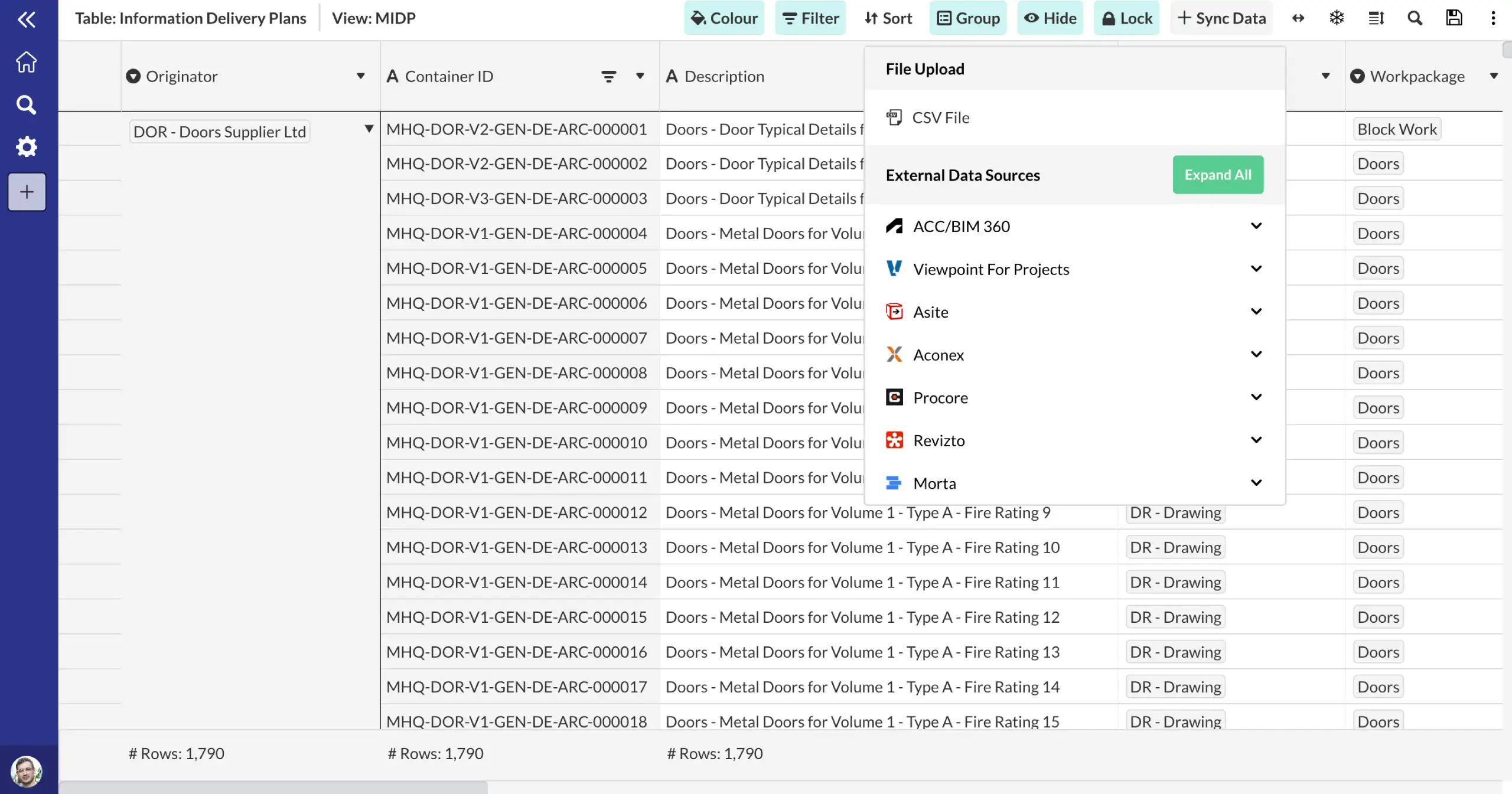
Use Morta's API, Power Automate connectors, or CSV/Excel import to bring your Looker Studio data into Morta tables. Once connected, your data feeds directly into your project controls framework.
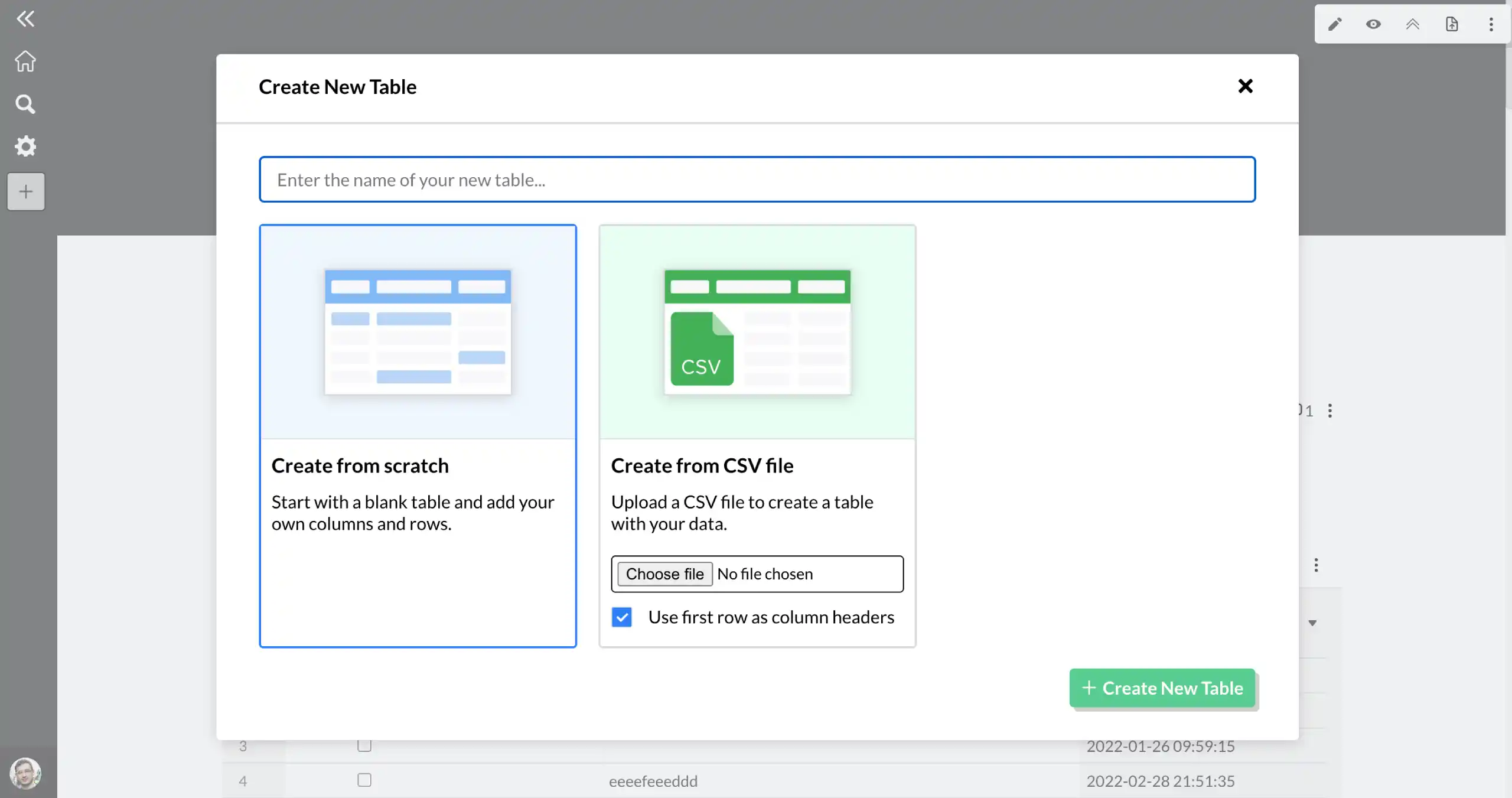
Import your data into a Morta table.
Bring your Looker Studio data into Morta using our API, Power Automate workflows, or file import. Your data is mapped into structured Morta tables ready for controls tracking.
- Flexible integration options
- Structured data mapping
Connect to your controls framework.
Once your Looker Studio data is in Morta, it becomes part of your project controls. Track progress, surface risks, and report across every controls function from one place.
- Controls-ready data
- Cross-system visibility
Frequently asked questions.
Common questions about this template and how it works.
What is Looker Studio?
Looker Studio (formerly Google Data Studio) is a free business intelligence and data visualisation tool by Google. It connects to many data sources and lets you build interactive dashboards and reports.
How does Morta integrate with Looker Studio?
Morta data can be exported and connected to Looker Studio via connector, enabling you to build custom construction controls dashboards on top of your live Morta project data.
Get started