Importing data from Procore is easy.
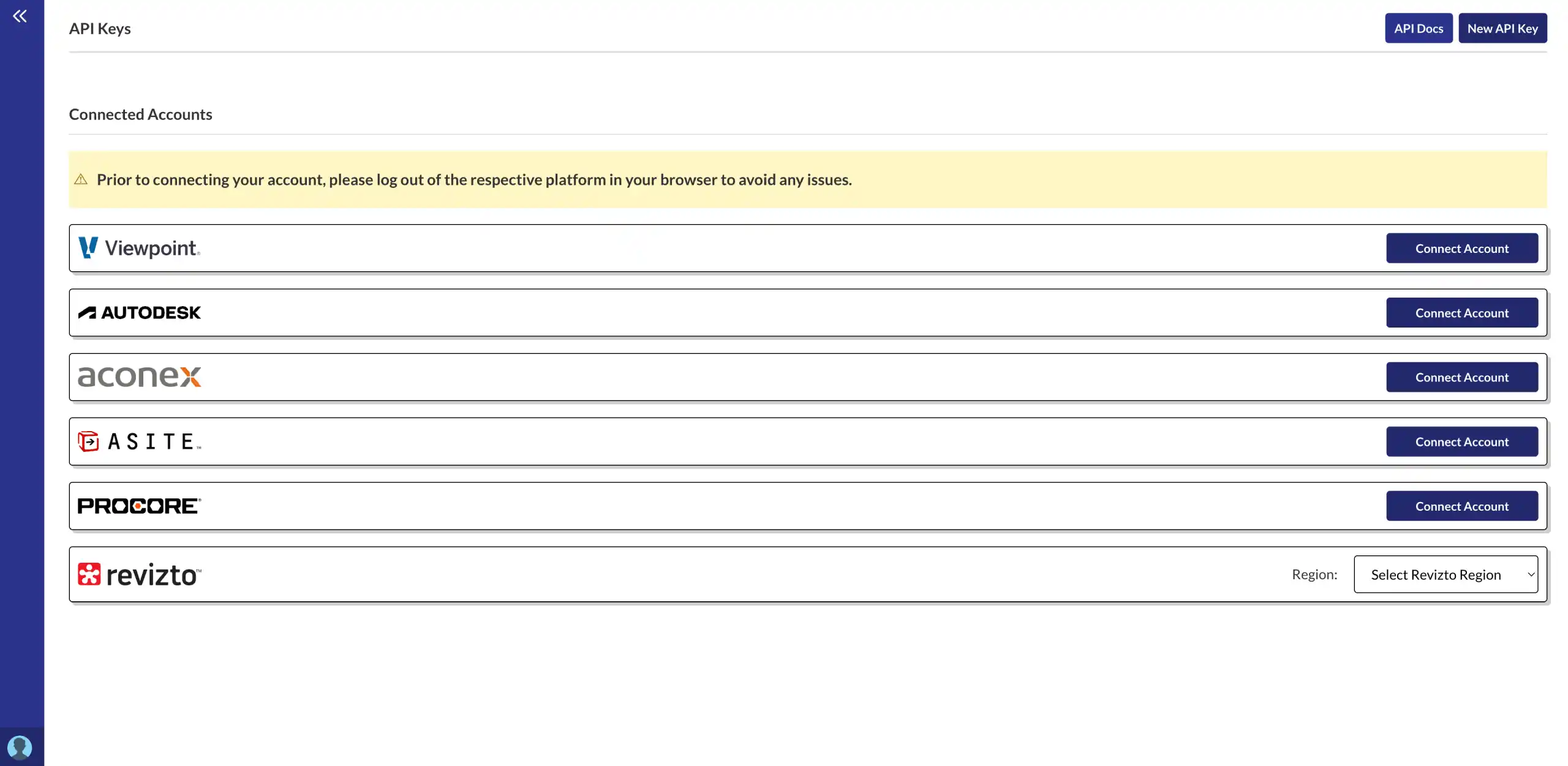
Follow these simple steps to connect your Procore account to Morta.
Step 1: Connect your account.
Click on your profile image in the bottom left hand corner of Morta. Then click integrations. Then connect your account from the right hand side.
- Secure OAuth connection
- Disconnect at any time
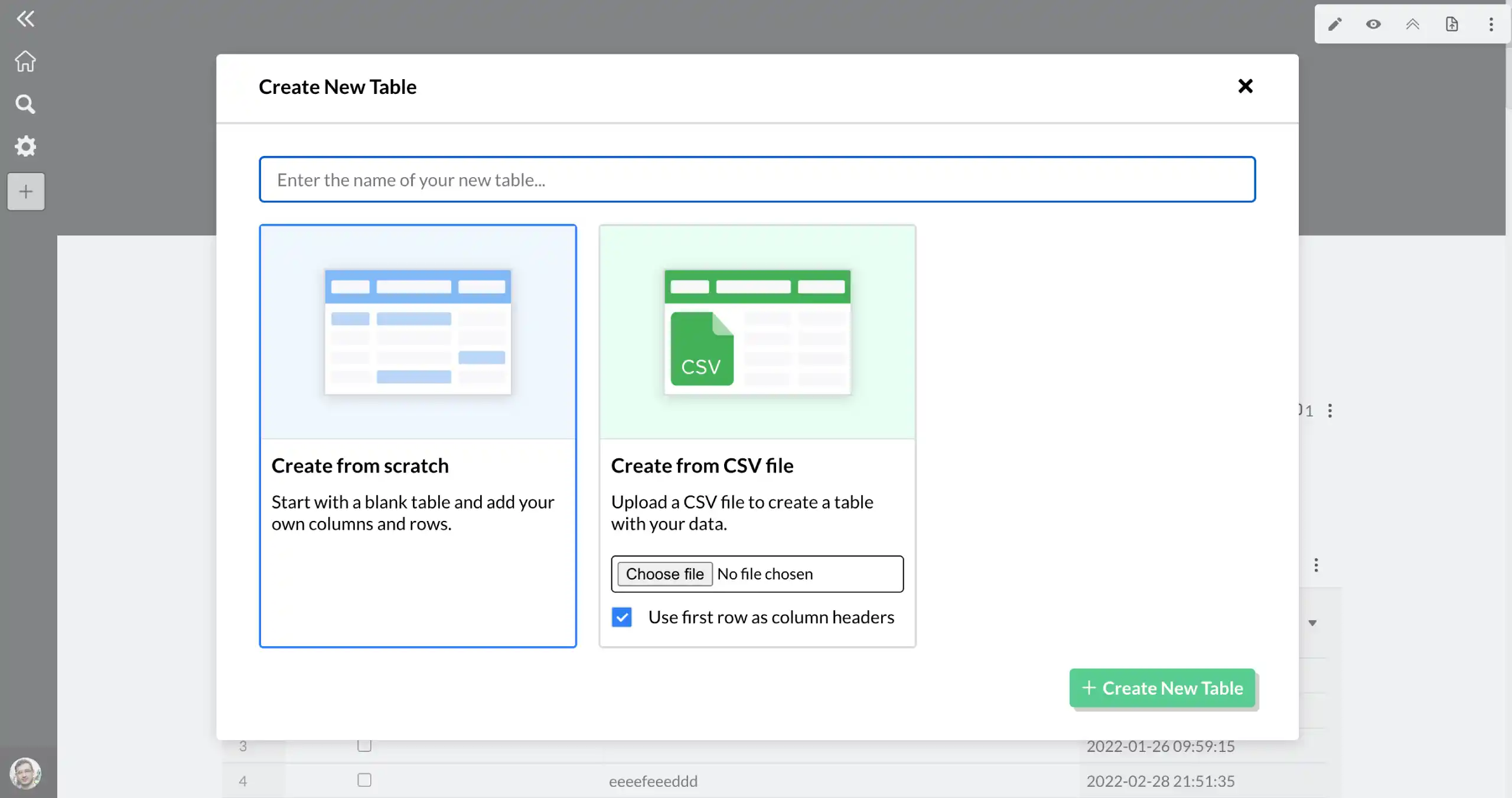
Step 2: Navigate to a Morta table.
Open up one of your hubs. Then create a new table or open an existing one.
- Single source of truth
- No more manual entry
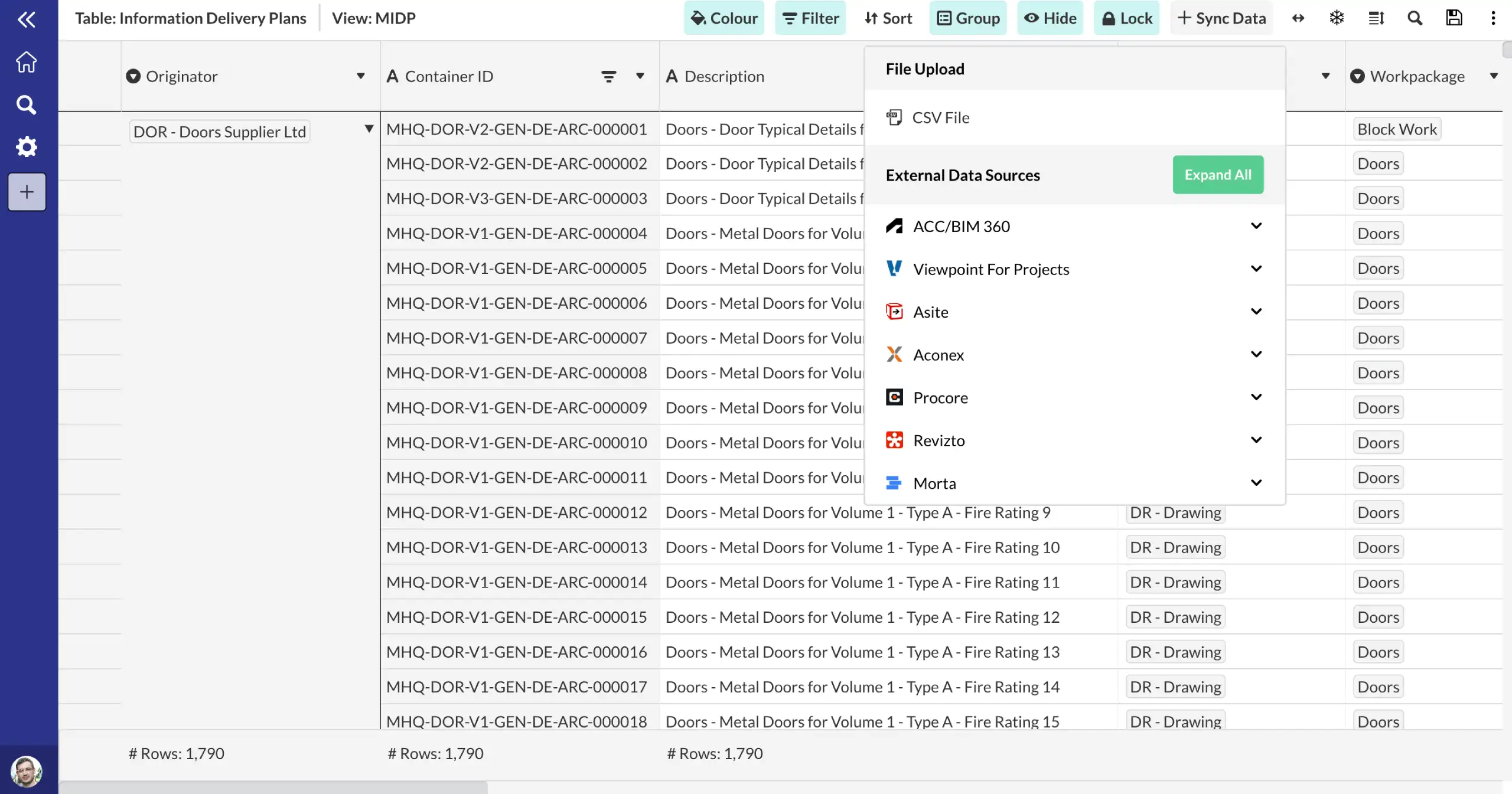
Step 3: Import your data.
Click import data from the top right hand corner of the table. Select the data you want to import and click import.
- One click data import
- Automatic refresh every day
What data does Morta sync from Procore?
Morta automatically pulls the following fields into your table.
Documents
Frequently asked questions.
Common questions about this template and how it works.
What is Procore?
Procore is a widely-used construction management platform that helps teams manage projects, resources, and financials from planning to completion. It offers tools for document management, scheduling, budgeting, and collaboration, allowing construction teams to work more efficiently and stay connected in real-time.
What use cases is Morta's Procore integration designed for?
Morta allows users to connect their Procore account and import document metadata from their Procore projects into a Morta table. This data is useful for information delivery planning and CDE auditing.
Can Morta pull documents metadata from Procore's New Document Management Tool
No, since the API endpoints are not publicly available yet. As per our latest knowledge, this might be available in 2025.
Get started