Connect Microsoft Excel to Morta.
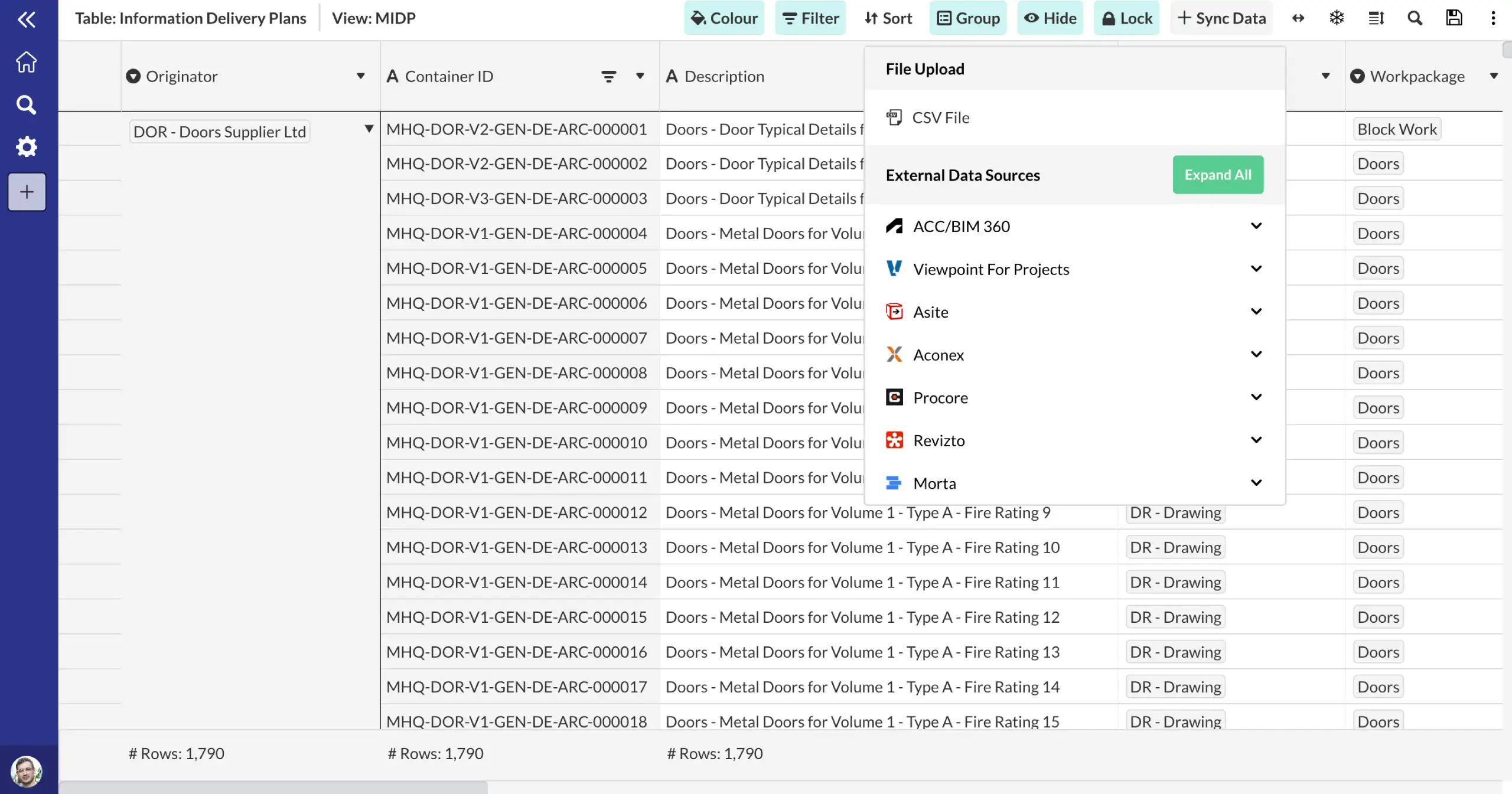
Use Morta's API, Power Automate connectors, or CSV/Excel import to bring your Microsoft Excel data into Morta tables. Once connected, your data feeds directly into your project controls framework.
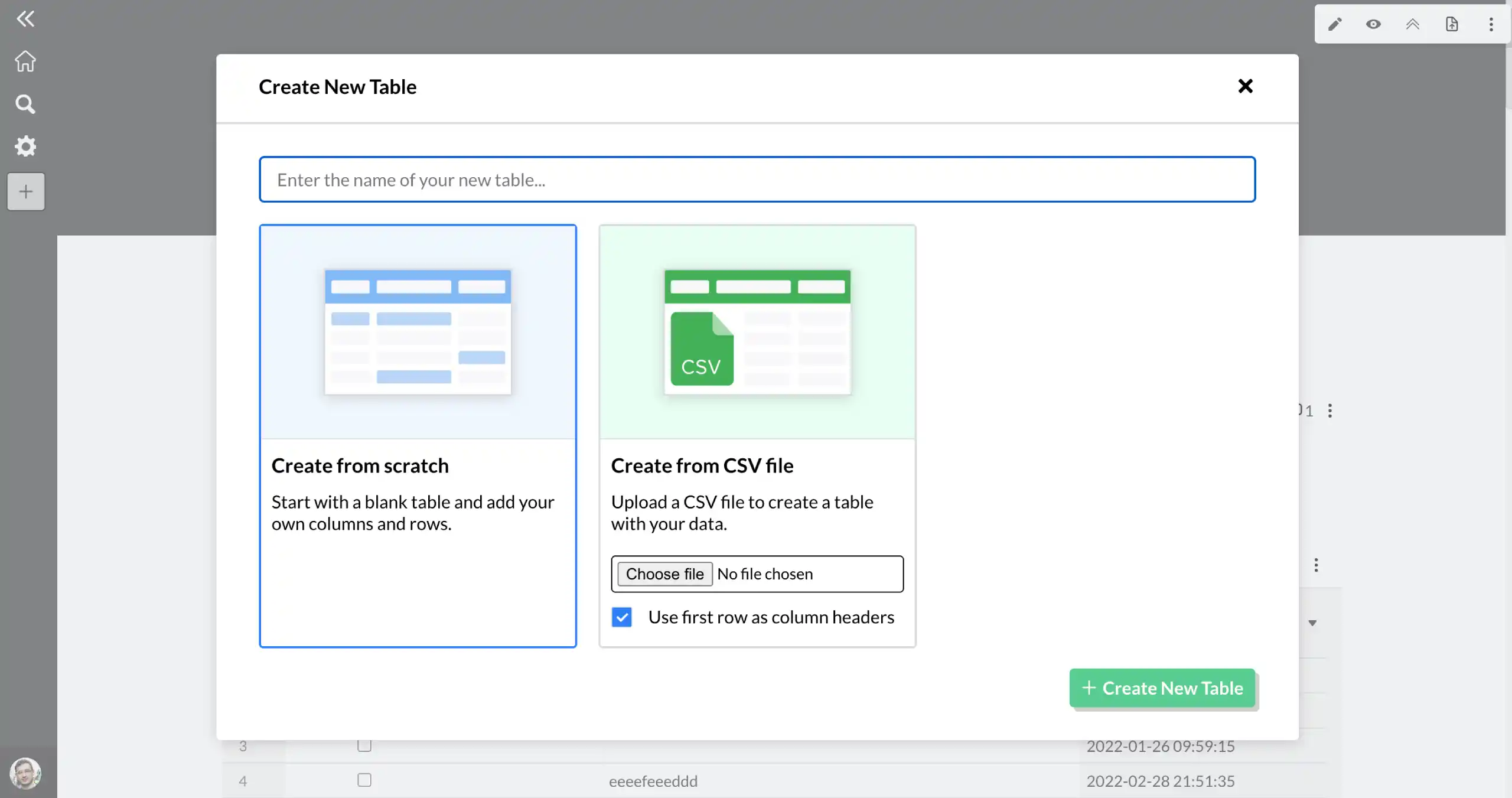
Import your data into a Morta table.
Bring your Microsoft Excel data into Morta using our API, Power Automate workflows, or file import. Your data is mapped into structured Morta tables ready for controls tracking.
- Flexible integration options
- Structured data mapping
Connect to your controls framework.
Once your Microsoft Excel data is in Morta, it becomes part of your project controls. Track progress, surface risks, and report across every controls function from one place.
- Controls-ready data
- Cross-system visibility
Frequently asked questions.
Common questions about this template and how it works.
Can I import my existing Excel spreadsheets into Morta?
Yes. Morta supports direct Excel import, upload your .xlsx files and Morta will create a table with your data, preserving columns, types, and structure.
Can I export Morta data back to Excel?
Yes. Any Morta table or view can be exported to Excel with one click. This makes it easy to share data with stakeholders who still work in spreadsheets.
Get started