Do you know where every asset and piece of plant is, what condition it's in, and whether it's compliant?
Asset registers, plant equipment, and the evidence trail that connects them — built as you go, not assembled at handover. Manage asset registers, plant tracking, COBie data validation and equipment schedules in one connected platform.
Teams using Morta achieve:
Everything you need to manage asset information.
From COBie validation to asset registers, Morta connects your asset data to your delivery and operational teams.
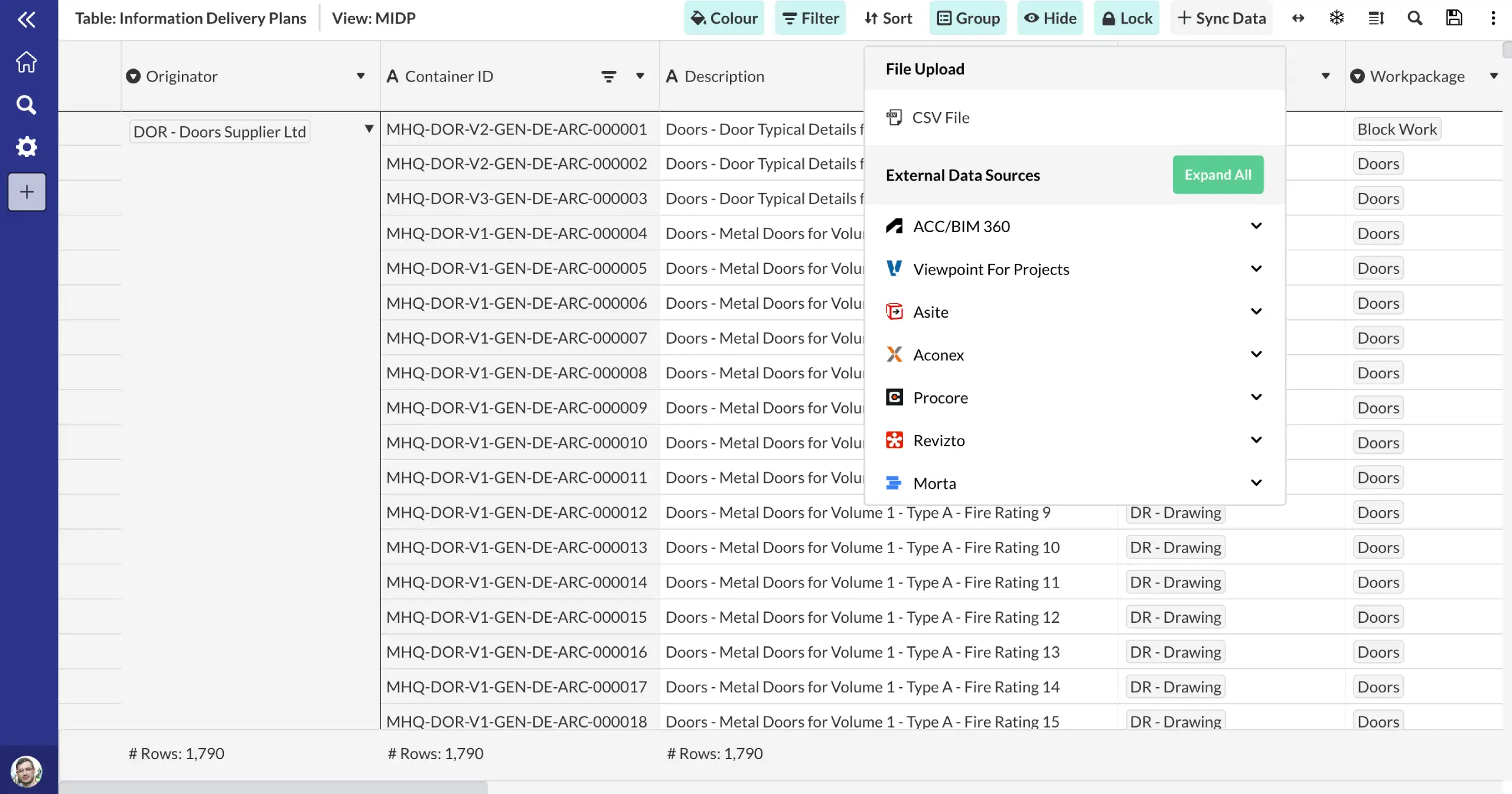
Connect to your existing systems.
Import, validate and manage COBie data throughout the project lifecycle. Check data completeness, identify gaps and ensure compliance with BS 1192-4 and ISO 19650-3 requirements.
Automated COBie validation
BS 1192-4 and ISO 19650-3 aligned
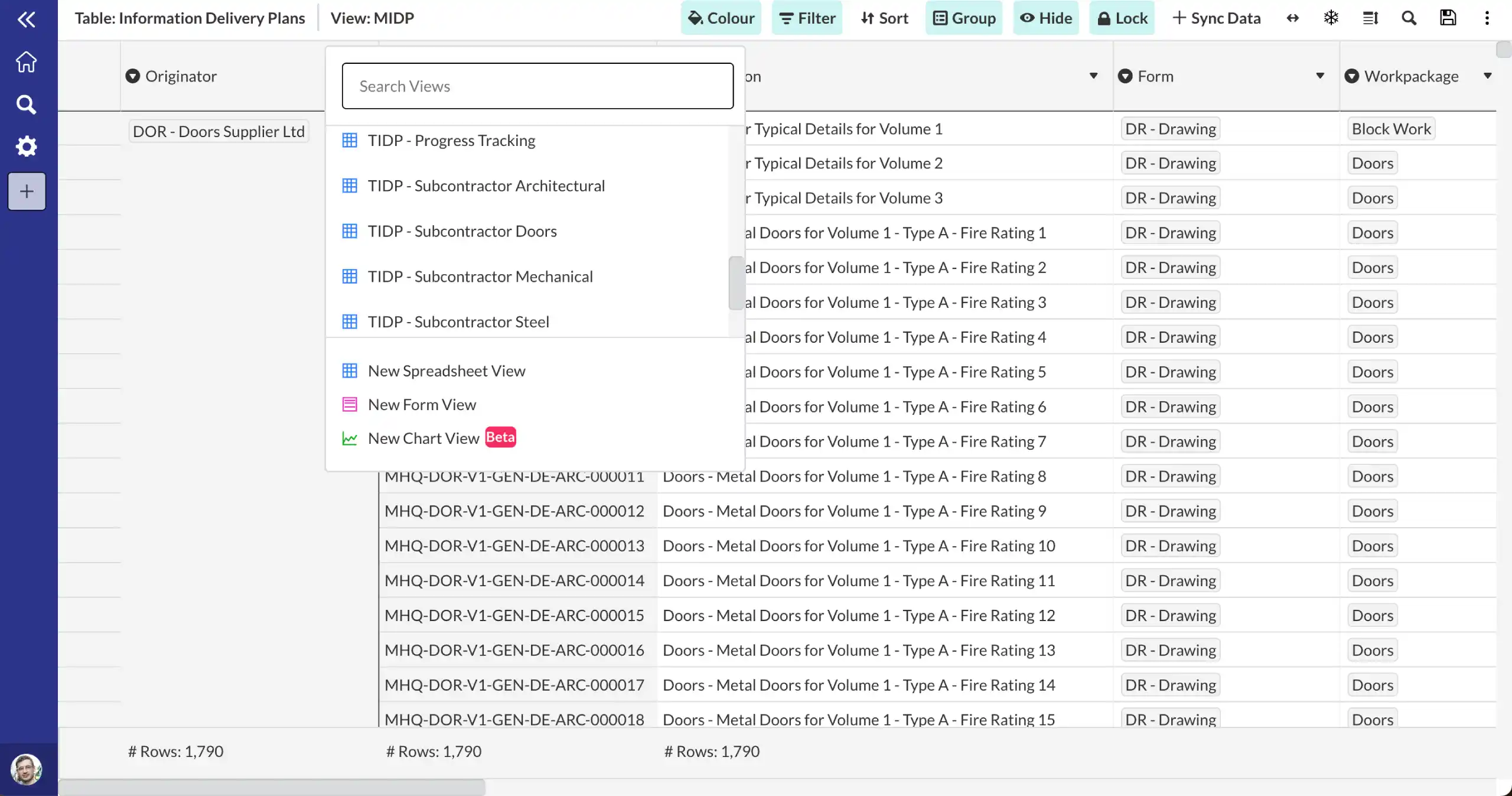
Collaborate across teams.
Build asset registers progressively from design data. Track equipment schedules, critical assets and maintenance requirements from RIBA Stage 2 through to operational handover.
Progressive asset data capture
Linked to handover requirements
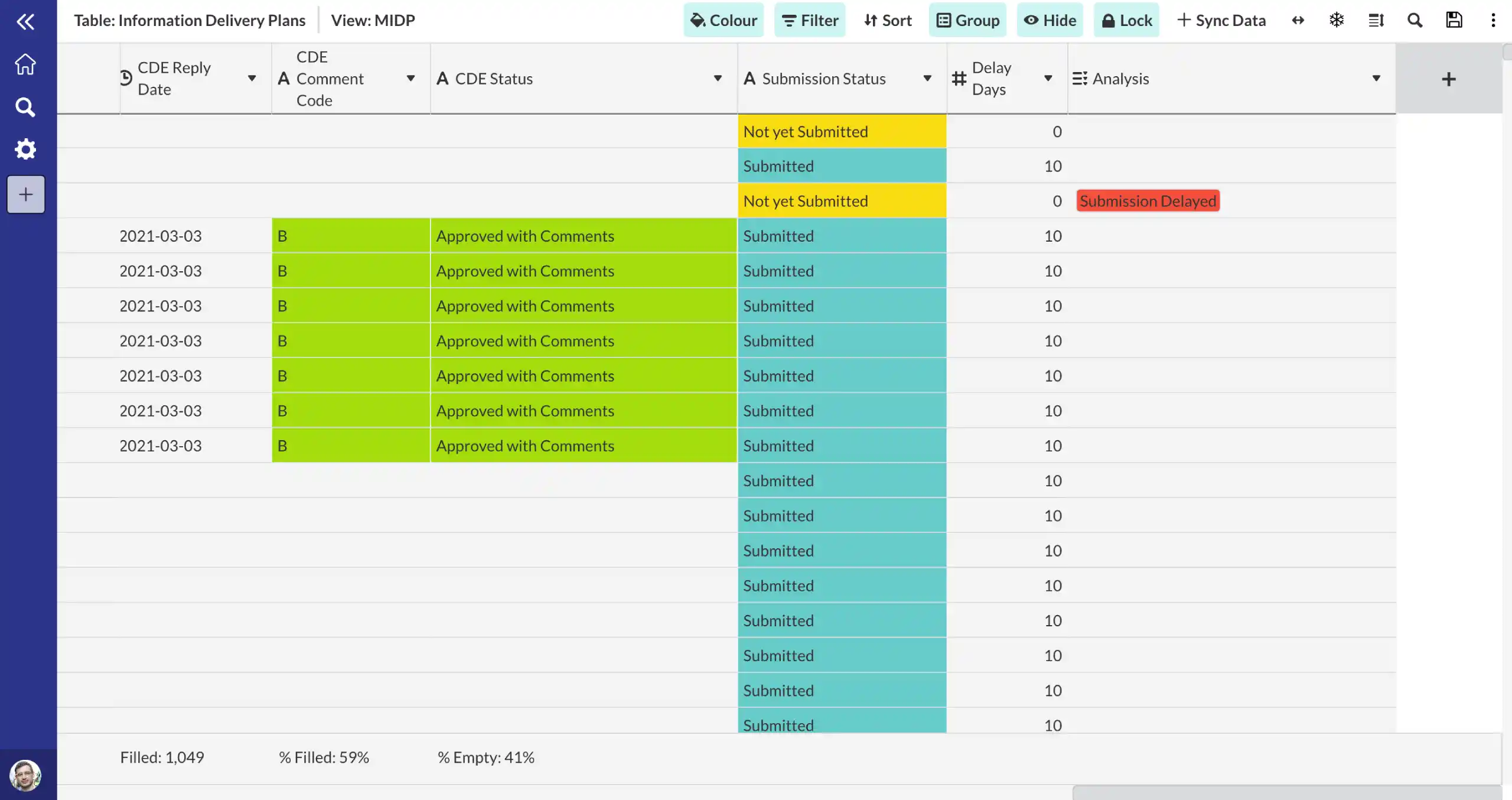
Configure to meet your workflows.
Enforce consistent asset tagging conventions and classification standards across all teams. Use ISO 55001 aligned asset hierarchies to structure your asset information for FM systems.
ISO 55001 aligned asset management
Uniclass classification support
Frequently asked questions.
Common questions about this template and how it works.
How does Morta validate COBie data?
Morta imports COBie spreadsheets and validates data against BS 1192-4 and ISO 19650-3 requirements. The validation checks data completeness, format compliance, referential integrity between sheets and alignment with your asset information requirements. Gaps and errors are highlighted for resolution.
How do you manage asset registers in Morta?
Asset registers in Morta are built progressively throughout the project lifecycle. You can start capturing asset data from RIBA Stage 2, adding detail as design develops, and continue through construction to create a complete asset register ready for operational handover.
How does equipment schedule tracking work?
Equipment schedules in Morta track all mechanical, electrical and specialist equipment from specification through procurement to installation. Each item links to its product data, maintenance requirements and warranty information, creating a complete equipment record for handover.
How does Morta handle asset tagging conventions?
Morta enforces consistent asset tagging conventions using data validation and predefined naming rules. You can define tag structures aligned with Uniclass, SFG20 or your own classification system, ensuring all teams apply the same tagging standard across the project.
Can Morta integrate with FM systems?
Yes, Morta structures asset data in formats compatible with common FM and CAFM systems. Asset registers, equipment schedules and maintenance data can be exported in COBie format or via API integration, ensuring a smooth transition from construction to operational management.
Can Morta import from Excel?
Yes. You can import data directly from Excel spreadsheets into Morta. This makes it easy to migrate existing trackers, registers, and datasets without manual re-entry.
Can Morta export to Word and Excel?
Yes. Morta supports exports to both Excel and Word formats. Exports can be configured to match your company brand styling, so reports and deliverables are ready to share without additional formatting.
If you build the asset register as you go, handover is a formality. If you don't, it's a 6-month nightmare.
Trusted by industry leaders across the supply chain.

“One of our most successful implementations has been using Morta to track agency labour. We’ve got about 20-odd people inputting into this project. It’s just running in the background. Everyone’s getting on with it, and it works beautifully.”

“With Morta and IFC Open Shell, we’re saving 114 hours of manual effort per validation cycle.”

“This is still a work in progress. Our goal is full automation where design teams can validate independently.”

“I now get requests from colleagues who are Lead TAs or architects saying: I have an idea for Morta. Can we do this? Can we test that? It’s really nice to see people understanding the value. This is not an IM thing. This is not a BIM thing. This is something that will benefit the whole project.”

“It’s no longer subjective — it’s the truth as to where we are. Morta has helped us with our checking and reporting, pulling together dashboards and giving us proper optics on what we’re doing.”

“We’re using Morta not to replace existing systems but to connect them. It creates an integrated Information Management Platform enabling a data-centric approach, KPI tracking, automation, a golden thread of data, and audit trails.”
Ready to connect your controls?
Get in touch with our team to see how Morta can drive delivery performance across your projects.